Short answer
Yes, the mobile app works offline. When there's no signal it saves everything you do straight onto the phone and syncs automatically the moment you're back in range, so you don't have to wait for anything to upload before moving on. This matters in the field: parks, cemeteries and rural sites often have patchy coverage, and the app keeps working there.
Detail
You just keep working. Complete inspections, tick jobs done, answer checklists, raise defects and take photos exactly as normal. Each change is stored locally on the device the instant you make it, so the app feels instant.
It syncs itself. When the phone next has a connection, the queued changes upload in the background automatically. You don't have to remember to "send" anything.
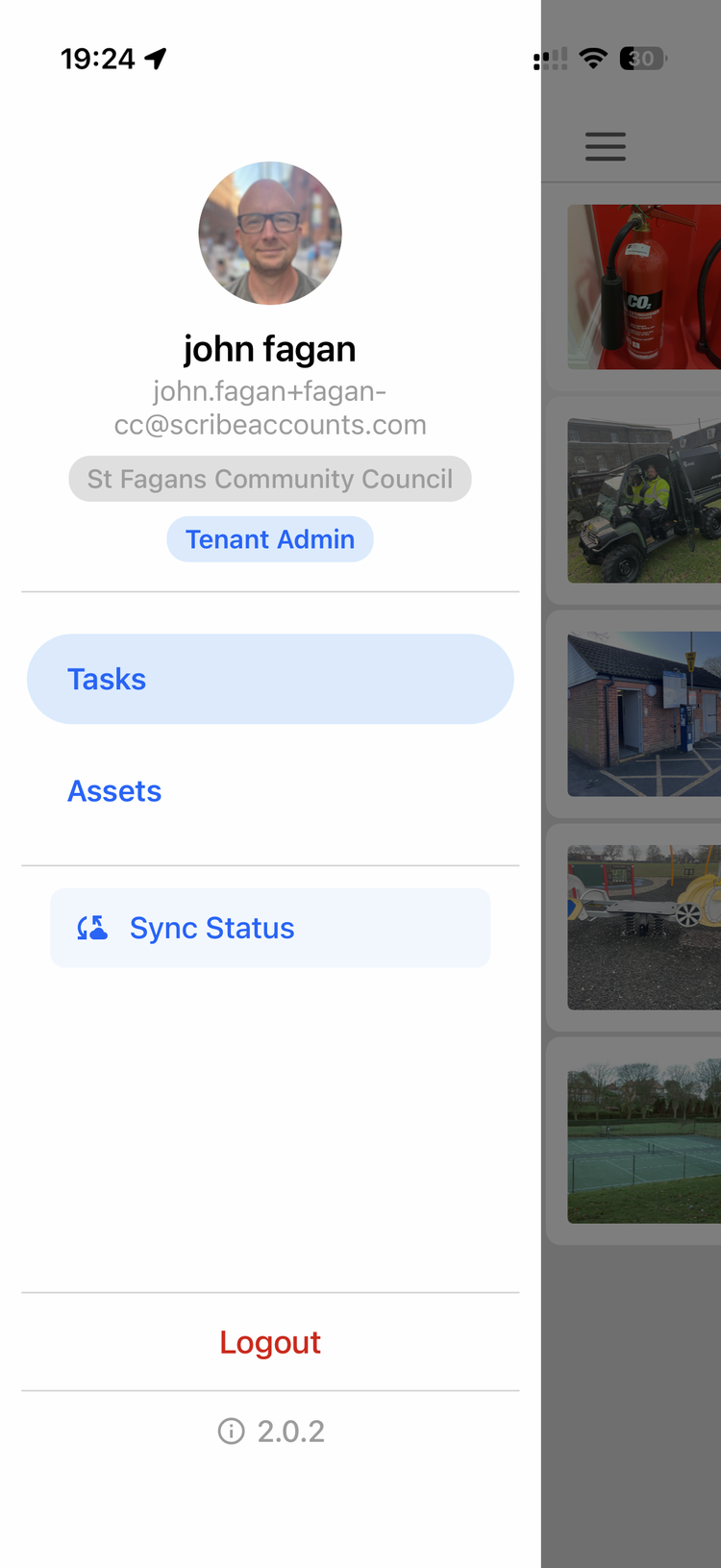
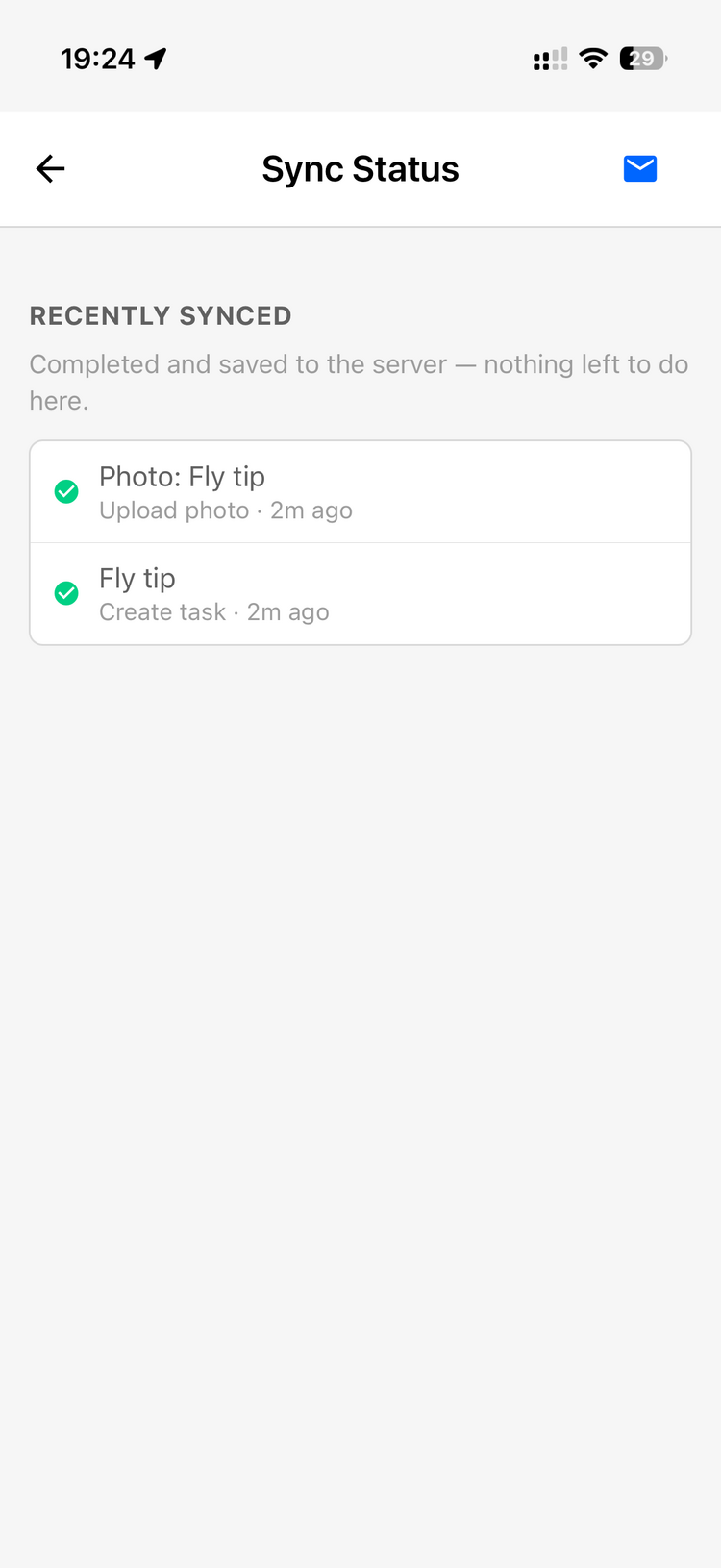
The sync-status screen shows you where things stand. There's a sync view in the app that lists what's still pending (saved on the phone, not yet uploaded) versus what's already synced. If you want to be sure a day's work has reached the office, that's where to look, ideally once you're back on Wi-Fi or signal before you finish up.
Photos upload as you take them (when there's signal) and quietly queue when there isn't, so asset and defect photos aren't lost in a dead spot.
Watch-outs
- "Done but not showing" usually just means not-yet-synced. If you complete something offline (or on a weak connection) and it doesn't appear where you expect, that's almost always the work sitting pending on the phone, not lost. It hasn't uploaded yet. Open the sync list to confirm: pending items are still queued and will clear once you're back in range. This is the most common source of "it says I did it but it's not there" confusion after the offline rebuild.
- Make sure it syncs before it matters. Work done offline is on that one phone until it next connects. If a job needs to show up for someone in the office (or on another device), the phone has to get back into range and complete its sync first. Glance at the sync-status screen if in doubt.
- One device holds its own offline changes. Until they sync, offline work isn't visible to other users or the web app. It's not lost, just not uploaded yet. This bites teams who share a round across two people: if one operative clears bins on a weak connection, their teammate won't see them cleared until the first phone syncs. If work "done yesterday" is still showing for a colleague, the fix is for the phone that did it to get back into range and finish syncing. Then the colleague can pull down to refresh their list.
- Check the sync status at least once a day. A quick habit (a glance at the sync list before finishing up, and at lunch if signal is poor) stops changes sitting un-uploaded for long. An out-of-sync warning that nudges you when the app is getting behind the cloud is coming in a mobile update.
- Patchy or no mobile data on your round? Open the app on Wi-Fi (at home or the depot) before you set off, so the day's tasks download to the phone. Work through the day as normal, then open the app on Wi-Fi again at the end of the day and check the sync list so everything is pushed up.
- Keep the app up to date. Offline mode needs version 2.0 or later, so update from the app store if it isn't working.
Related
- What's the recommended way for an operative to use the mobile app each day?: the daily field workflow (filter to today, hide completed, sort by nearest, swipe to complete)
- How do I set up a phone so its photos carry the GPS location for asset capture?
- I've uploaded photos but they're not showing up on the map / their location isn't being detected — how do I fix it?